Why am I seeing "Update Error!" when checking for updates?
If you see the message “Update error! An error occurred in retrieving update information. Please try again later.” when checking for ButterKit updates, a VPN or network proxy is most likely the cause.
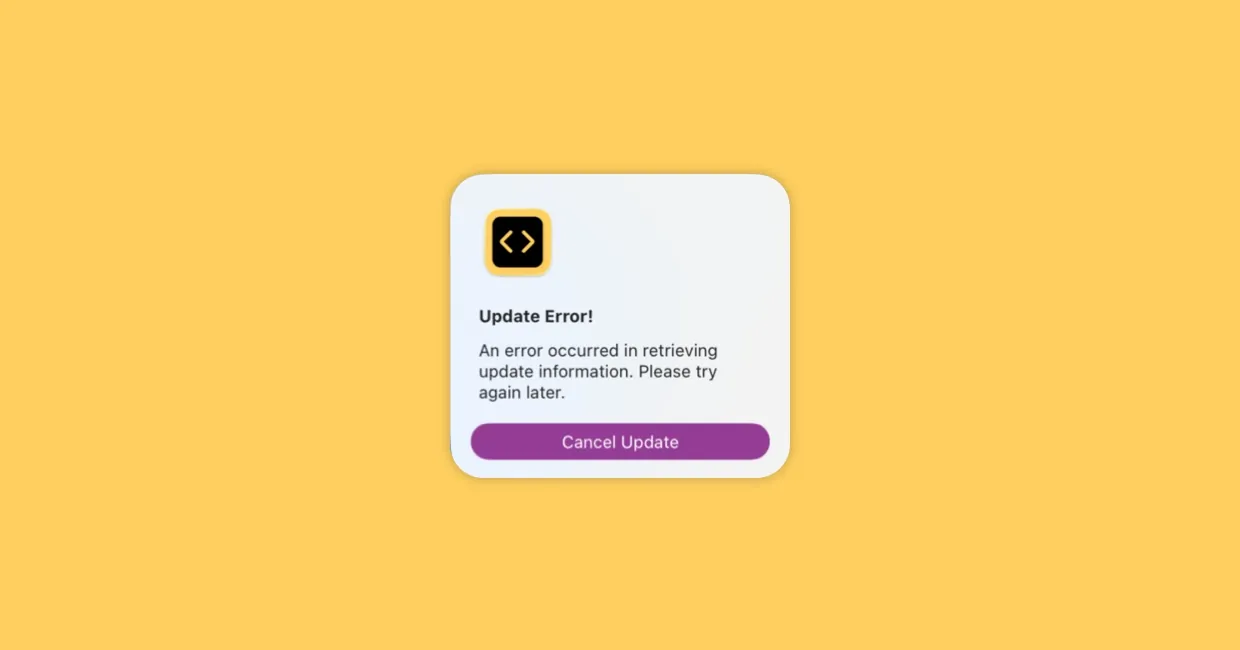
Example of the update error message
Why this happens
ButterKit’s update server is protected by Cloudflare. Many VPNs and corporate proxies route traffic through IP ranges that Cloudflare flags as suspicious, which can block the update check from completing.
How to fix it
- Disable your VPN (or corporate proxy) temporarily
- Check for updates again via ButterKit > Check for Updates…
- Once the update finishes downloading, you can re-enable your VPN
Still seeing the error?
If disabling your VPN doesn’t resolve it:
- Check your internet connection – make sure you can reach other websites normally
- Try a different network – if you’re on a restricted corporate or school network, try switching to a personal hotspot or home Wi-Fi
- Check your firewall settings – ensure ButterKit is allowed to make outgoing connections
- Download manually – you can always grab the latest version directly from butterkit.app/download
If the issue persists, contact [email protected] with details about your network setup.
Quick Help
- Need more help? Browse the Documentation
- Check out our Templates & Add-ons
- Join us on Discord for quick help
- Any other questions? Get in touch