Multiple App Store Connect accounts, Markdown metadata, and better right-click menus
Switch between App Store Connect accounts, paste Markdown into your metadata, and use right-click menus with icons and shortcuts, plus a new template and a round of fixes.
What’s new
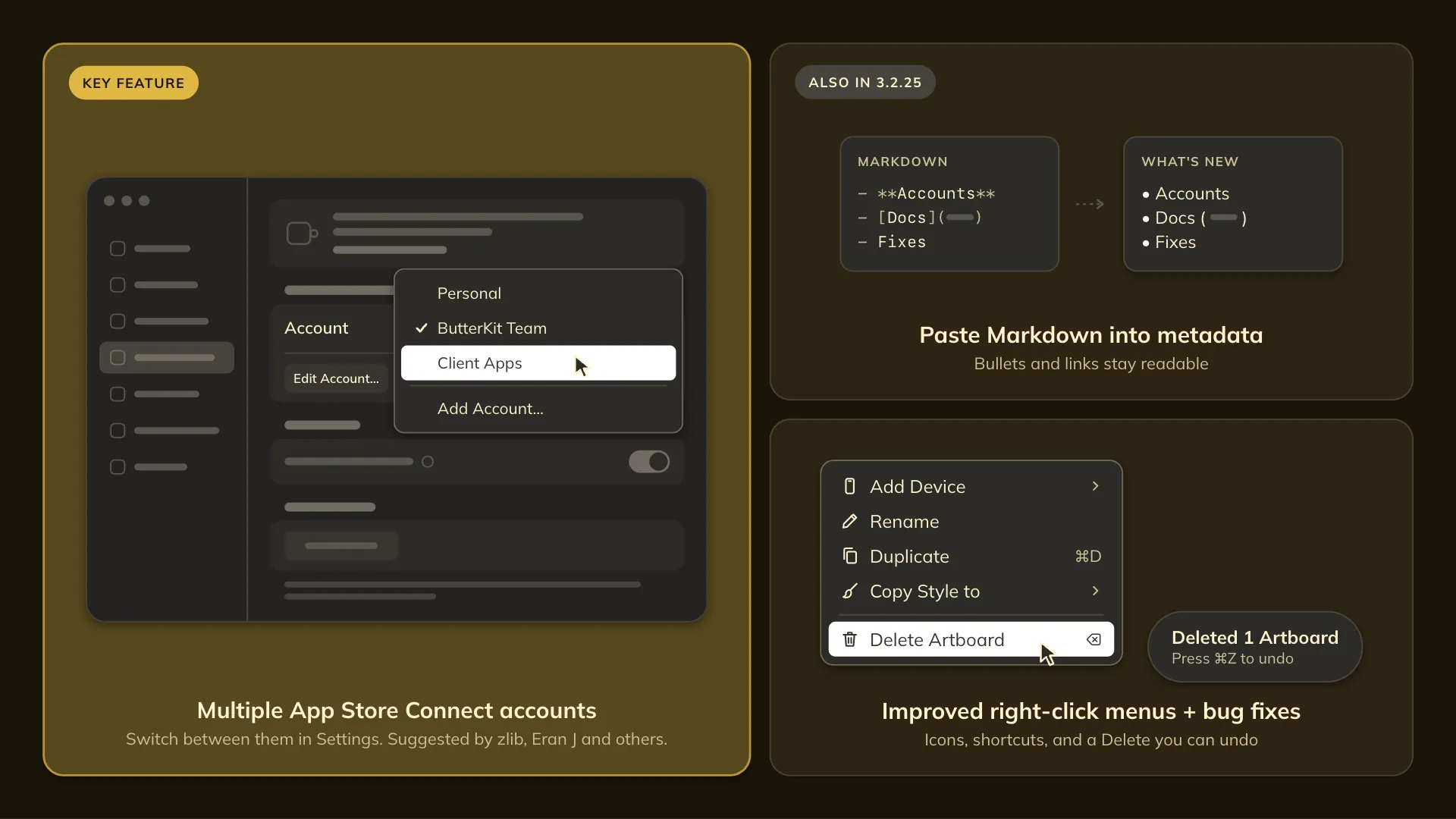
- Multiple App Store Connect accounts. Add more than one account and switch between them in Settings. Thanks to zlib, Eran J, and everyone else who asked for this.
- Paste Markdown into metadata. What’s New, Description, and Promotional Text turn Markdown into plain text that App Store Connect accepts, with bullets and links kept readable. Handy if you draft release notes in Markdown.
- Better right-click menus. Menus now show icons and keyboard shortcuts.
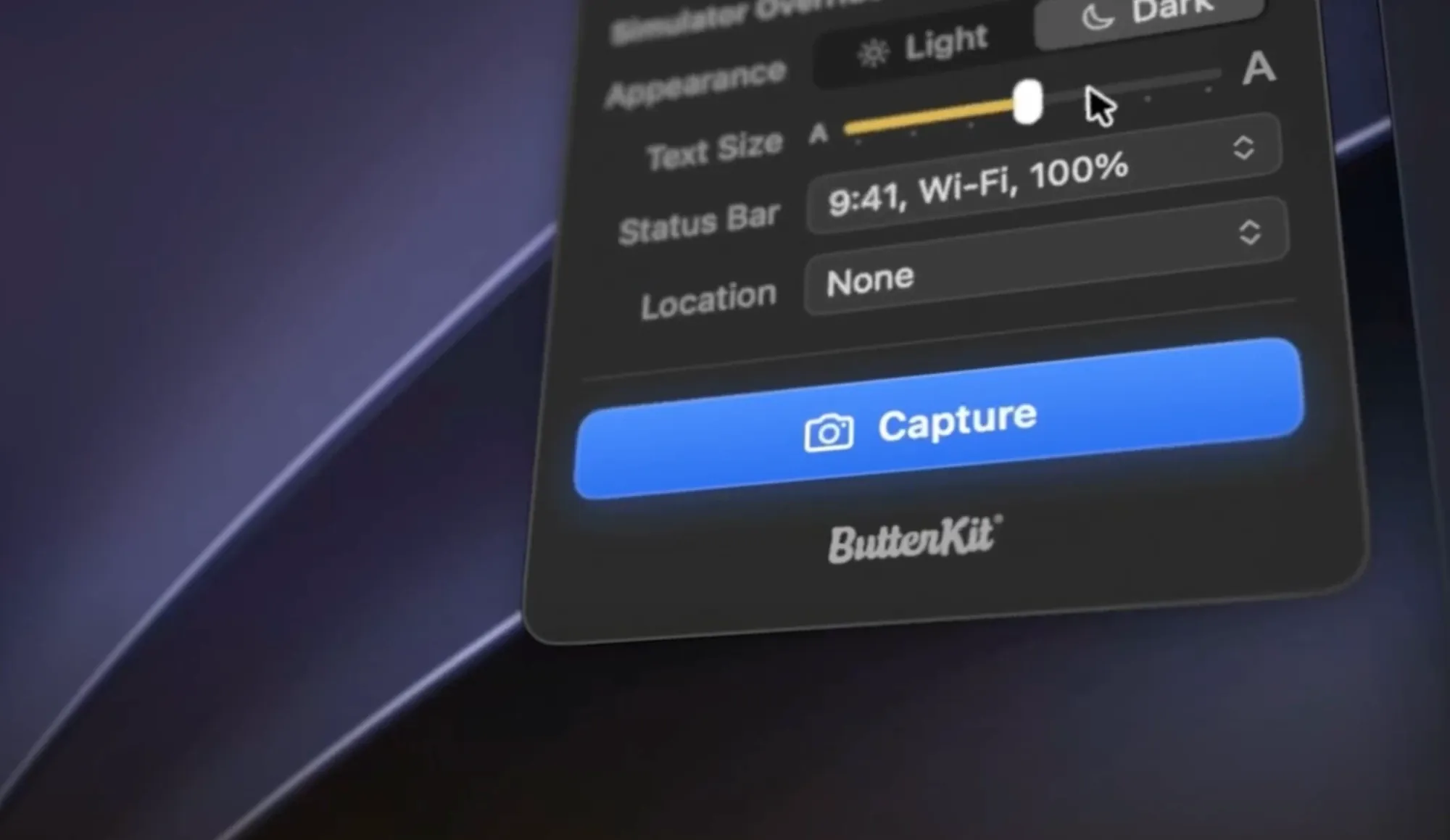
- Choose the Capture Tool’s device. Pick it from the menu at the top of the panel. It no longer jumps to a different simulator when you click back into Device Hub. Thanks to Markus F for helping track this down!
- Rename artboards over MCP. The new
design_rename_artboardtool lets AI agents rename your artboards and keeps the names safe for export filenames. - Panoramic backgrounds from agents. AI agents can now span a panoramic background across a row.
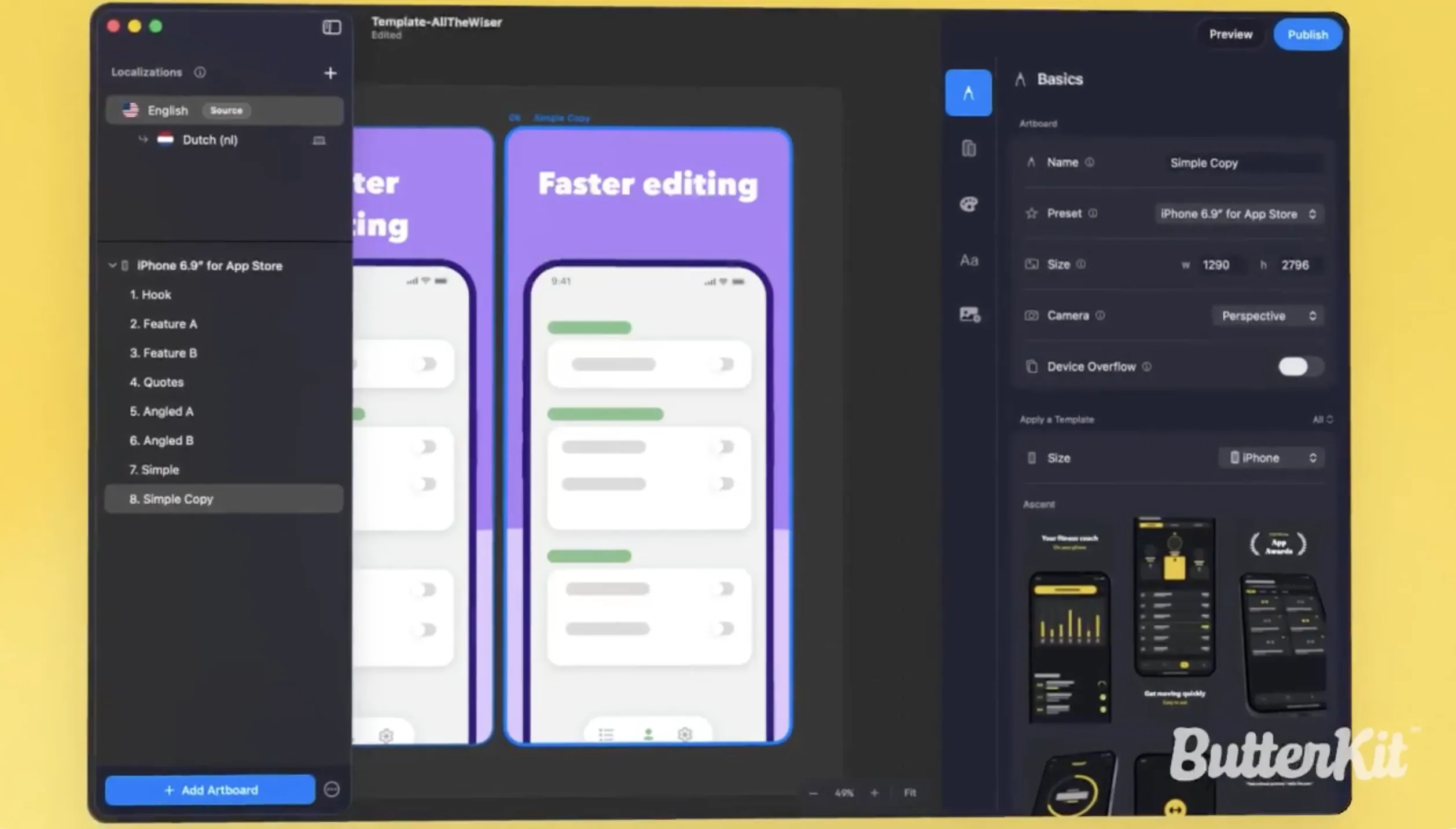
- New Meadow Meditation template. Grab it from the template gallery.
- Cleaner canvas. Artboards get a crisp hairline edge instead of a soft shadow, and the group name sits above them as a fixed title.
- Better contrast in light mode. The selected sidebar row and the device pose tiles stand out more, with more contrast work on the way.
What’s fixed
- Undo brings back deleted artboards. Deleting an artboard from the right-click menu can now be undone with ⌘Z. It’s also harder to remove an artboard by accident while you’re selecting images.
- One Header and one Search Results per project. Duplicating or resizing a Header or Search Results artboard no longer adds a second, identical header to the sidebar that the App Store Connect upload skipped. Copies now become regular artboards. Thanks Pawel K!
- Untitled MCP saves don’t stall. Saving an untitled document over MCP now gives the agent a clear error instead of opening a Save dialog. Thanks Eran J!
- Landscape screenshots stay upright. They no longer show sideways in the Select Callout Region sheet.
- Canvas text holds still. Text no longer shifts when you double-click to edit it.
- iPhone Duo text sizes match. The inspector now shows the same text sizes you see across the iPhone Duo row.
Happy Halloween, everyone! 🎃 A lot of this release came straight from your suggestions and bug reports, so thank you for all of the feedback. Keep it coming.
-Zach