Introducing Callouts: a new way to highlight your features and UI
Callouts let you highlight features and UI in 3D space alongside your devices. Plus performance boosts and refreshed onboarding.
Track every ButterKit release, new features, improvements, and bug fixes. Stay up to date with the latest updates.
Callouts let you highlight features and UI in 3D space alongside your devices. Plus performance boosts and refreshed onboarding.
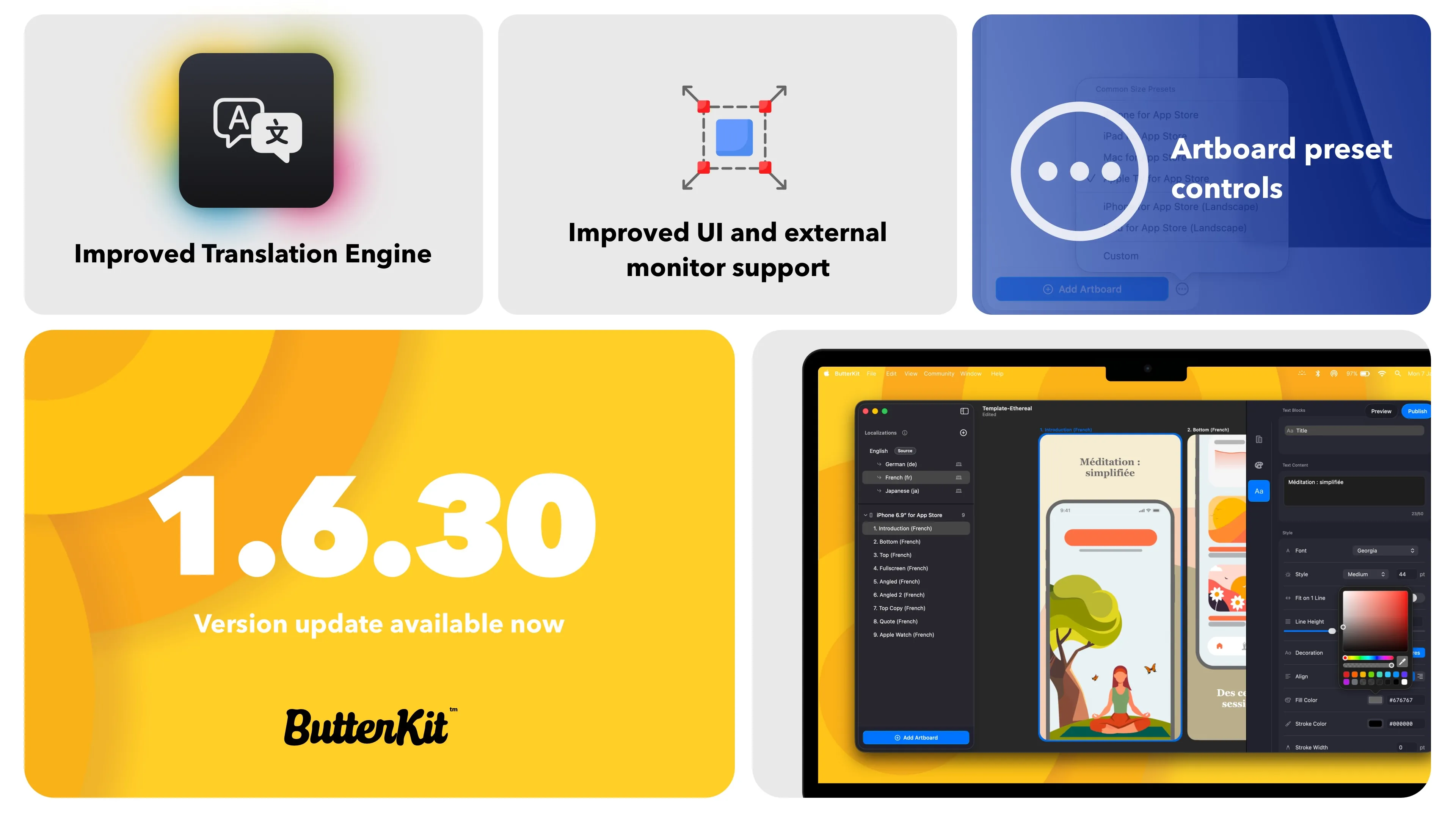
Add translation instructions in Project Settings so AI models know your tone, capitalization rules, and what not to translate.
ButterKit now supports all 50 App Store Connect languages, adds Apple Vision Pro support, and lets AI agents place images on your artboards.

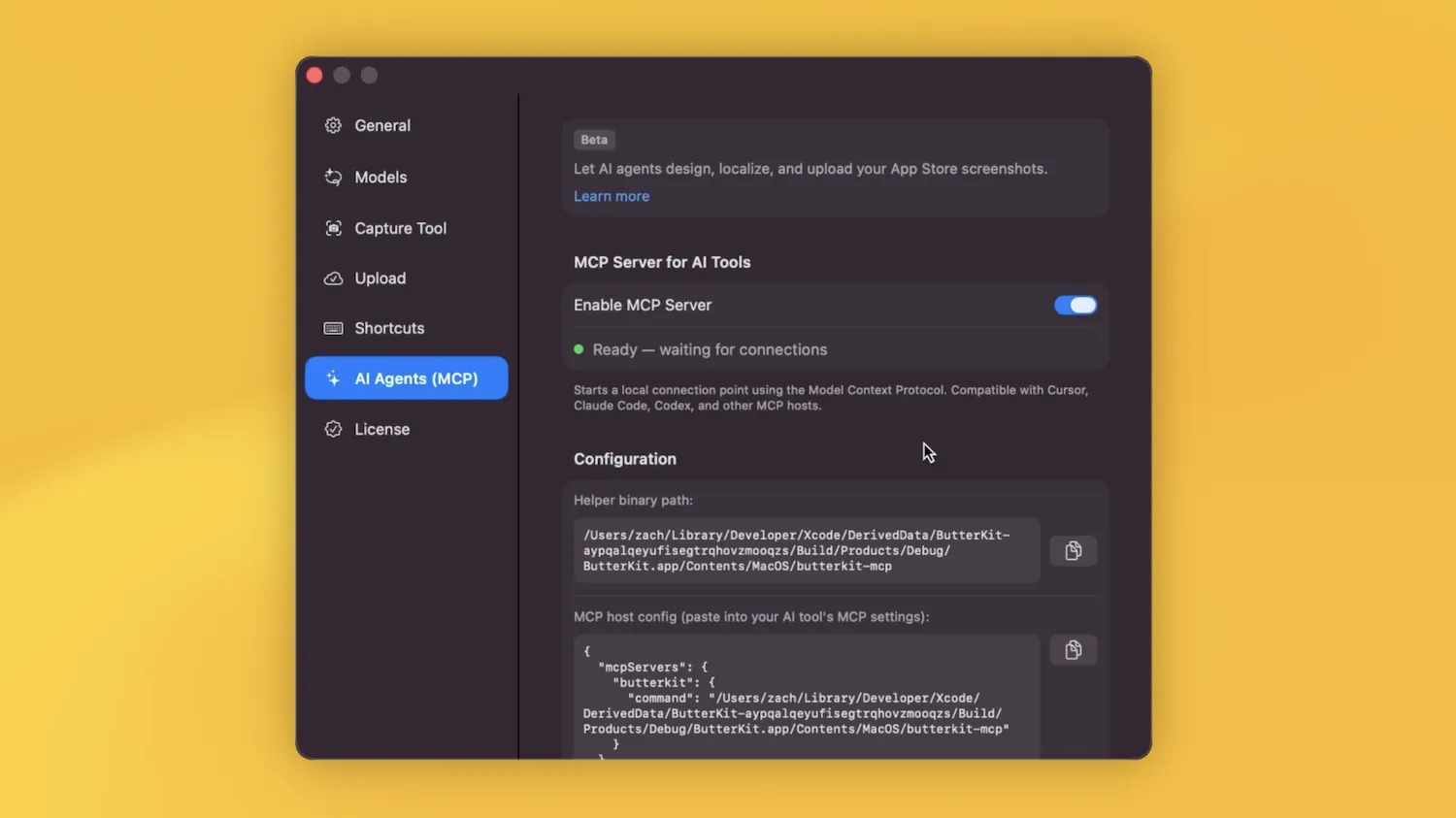
ButterKit now speaks MCP (beta). Generate screenshots, localize into 39 languages, and upload to ASC from any AI agent or CI pipeline.

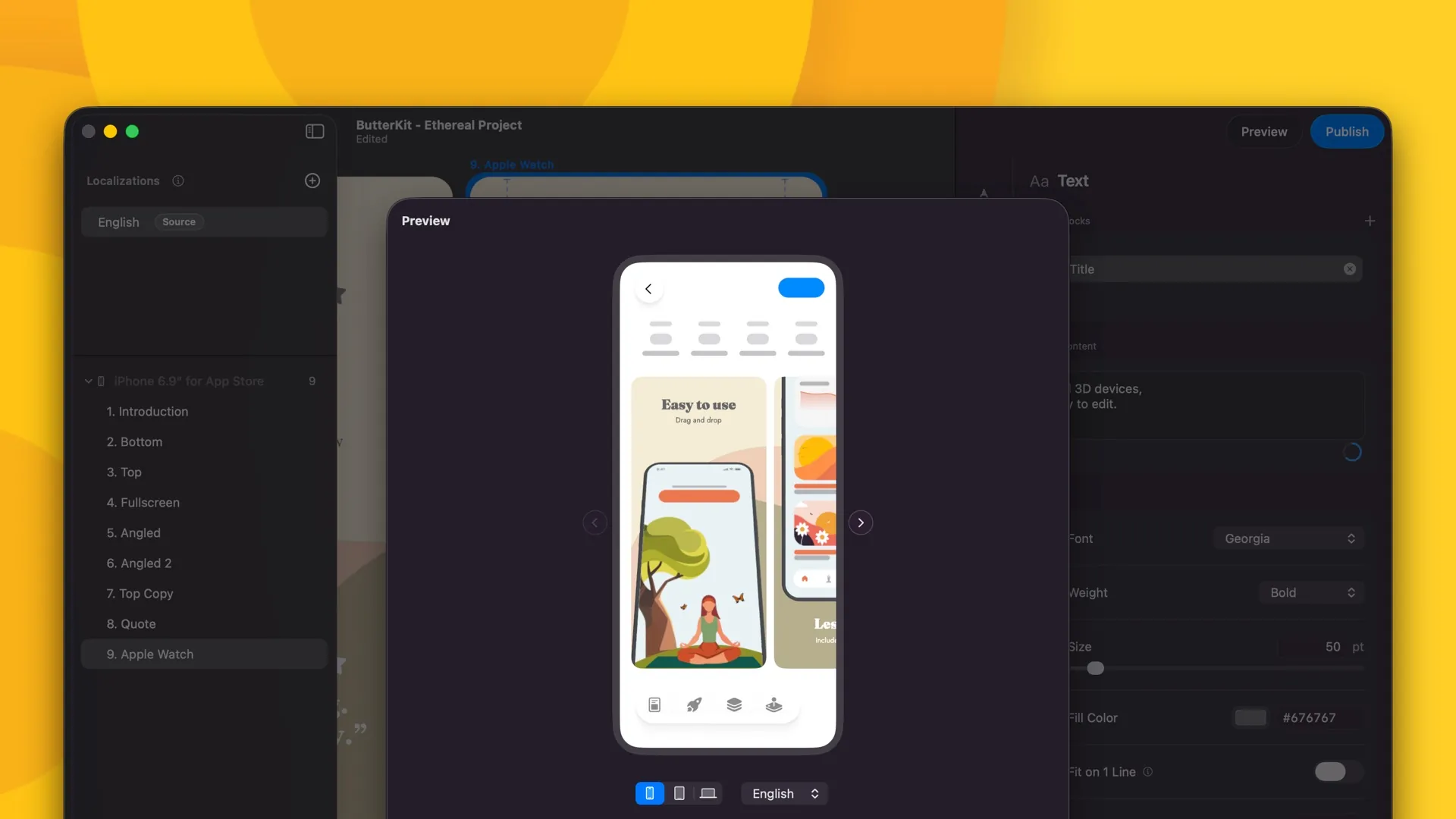
Introduces Delta Translation for smarter, incremental re-translation, adds Preview Navigation controls, and fixes Device Overflow alignment issues.
Adds a highly requested 'Do Not Translate' toggle for text blocks, plus improved undo reliability, better cloud translation fallback, and numerous text and layout refinements.
Images like logos and stickers can now differ per language. Plus new fonts, toast notifications, and text editing improvements.

Upgraded localization workflow with multi-select, market size data, and better UI. App Store Connect metadata now validates for emojis before upload.

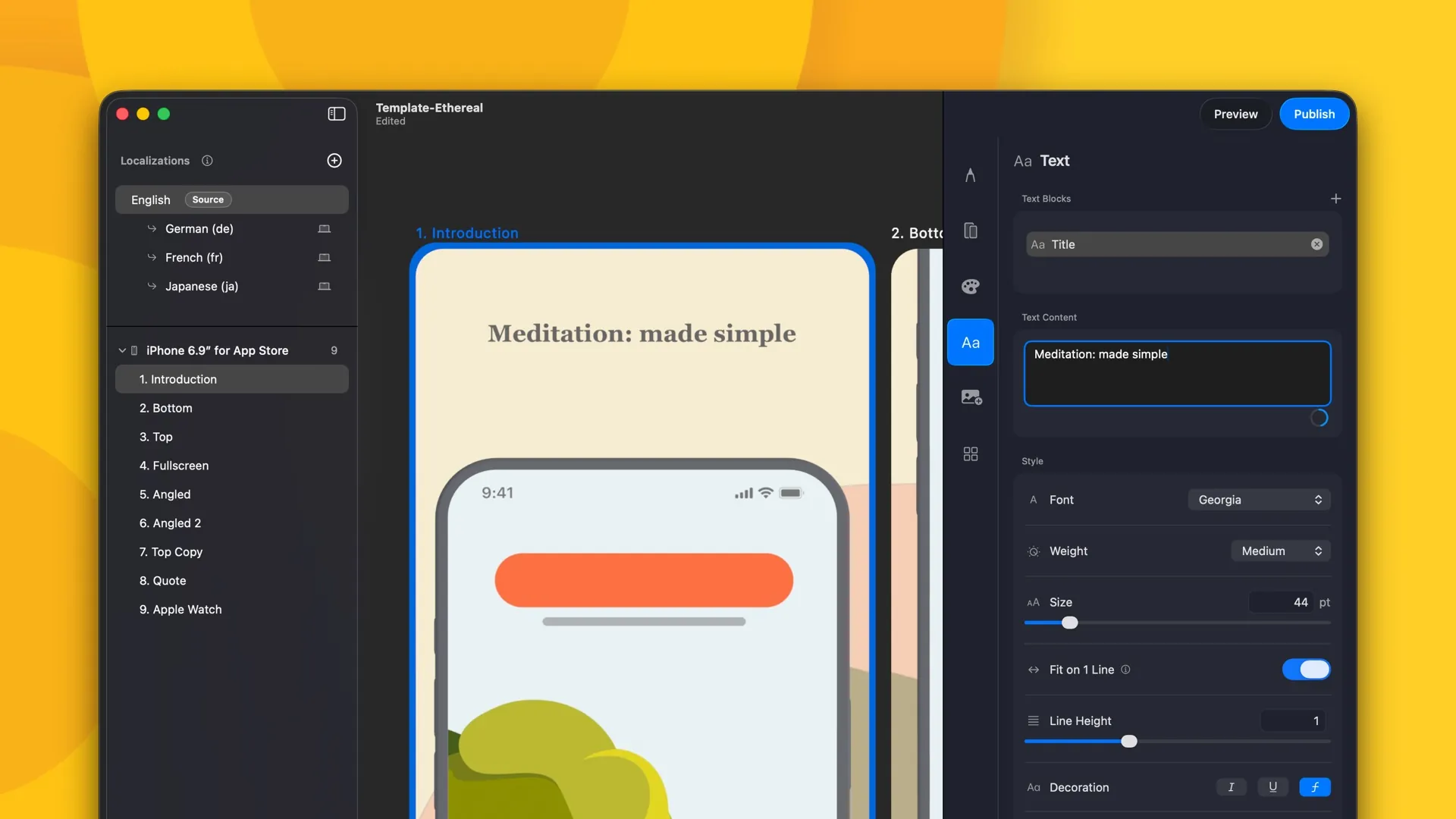
Highly requested "Fit to 1 line" text option, independent left/right padding, 3D Apple Watch Series 11, and smoother performance.
Improves metadata, settings, and license management UI. Fixes rendering quality and translation bugs.

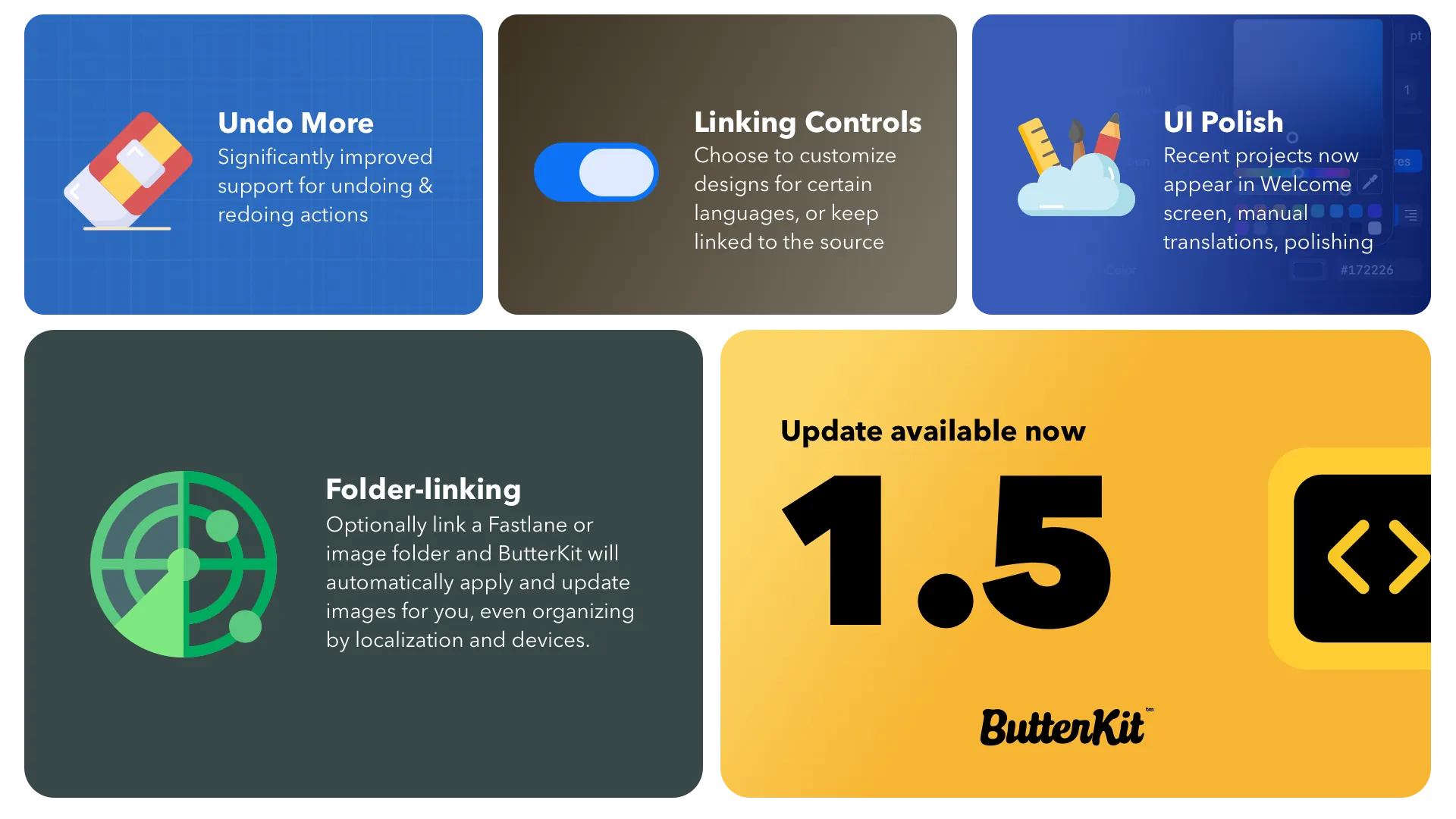
Screenshot folder-linking support for tools like Fastlane, improved text editing controls, and dozens of UI refinements.

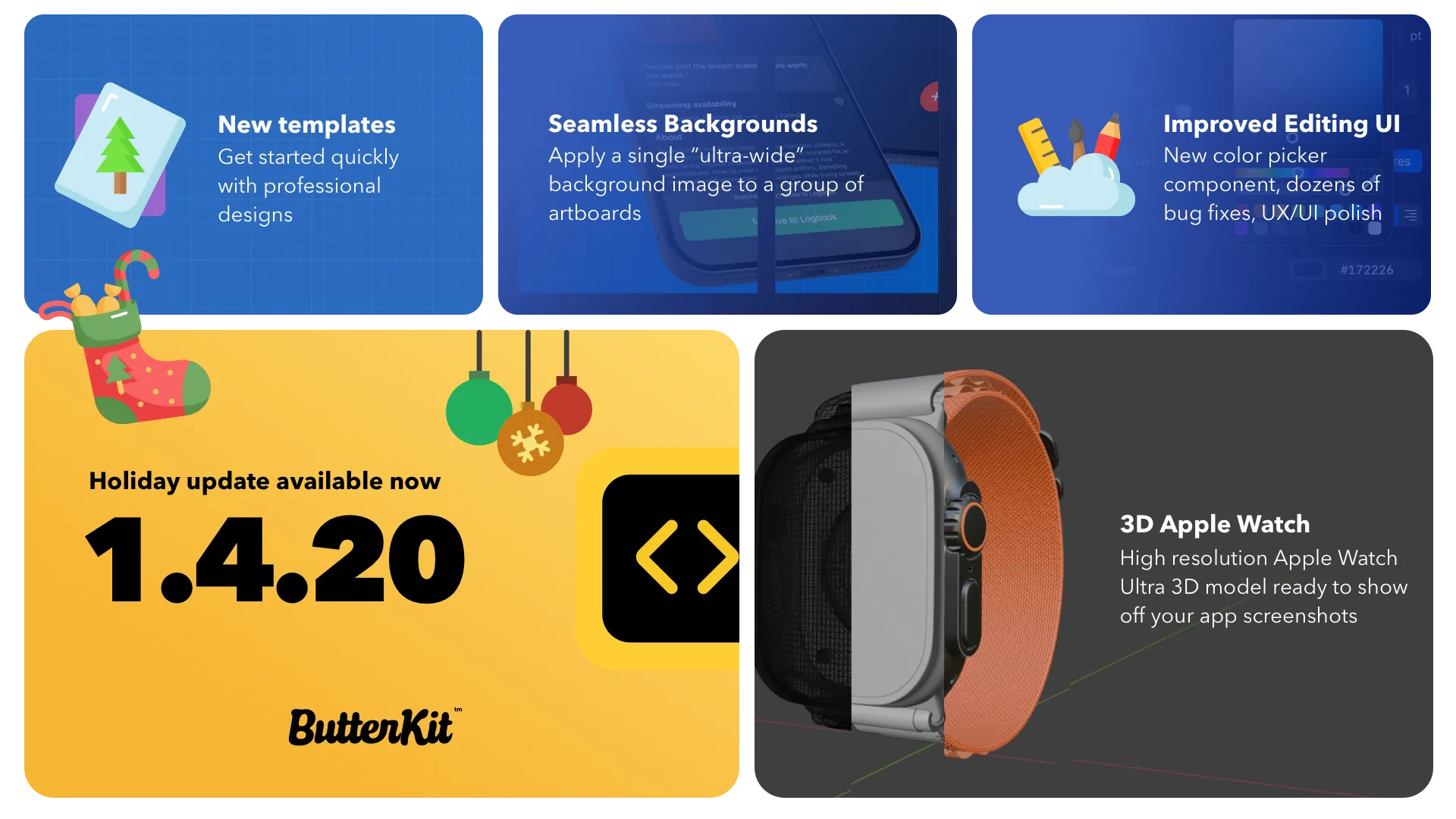
Seamless Backgrounds, high resolution Apple Watch 3D model, new templates section, and improved color picking UI.

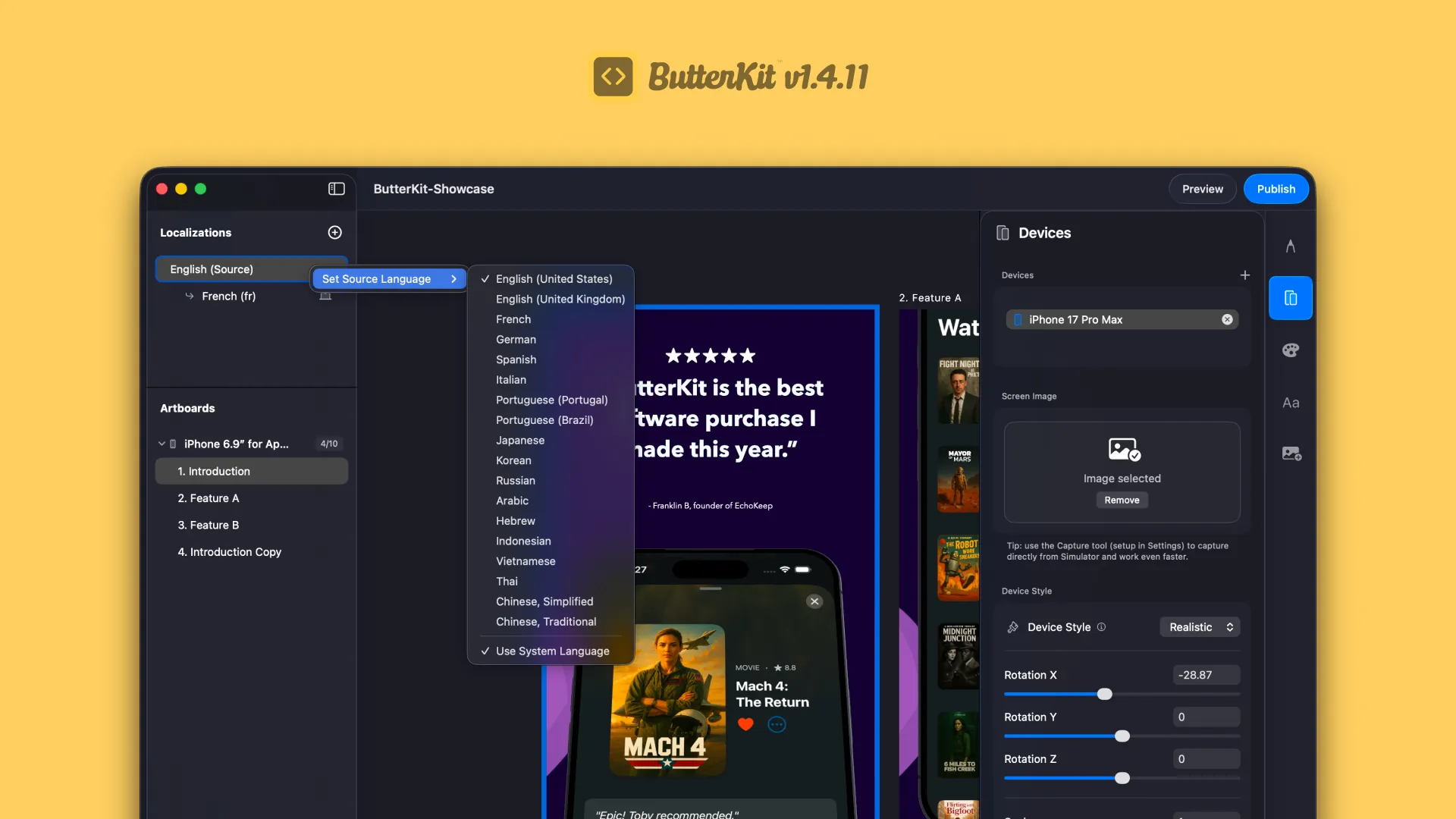
Improved UI for localizations, easier source language setting, and critical bug fixes for exporting and translations.
Device Overflow is a new way to quickly create stunning designs with 3D devices that span across multiple artboards, rendered in realtime using Metal.
Text editing now supports line-height and ligature controls. Copy text blocks between artboards and override background styles on variants.

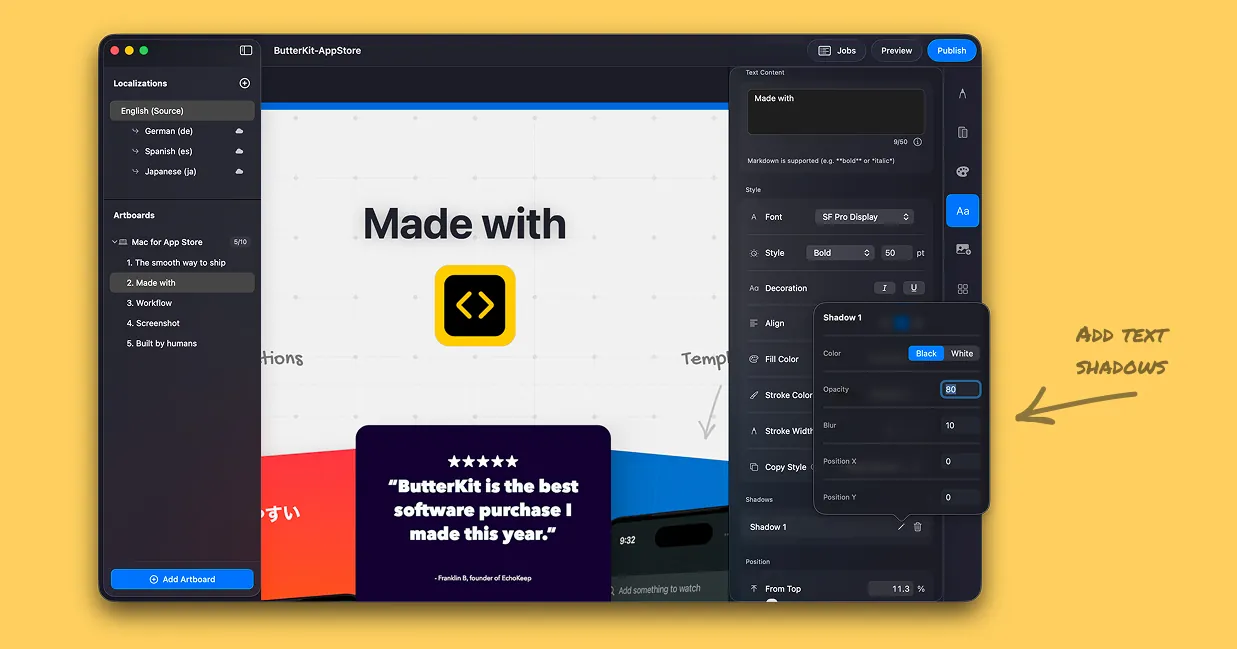
New text shadows and text strokes! Plus arrow key adjustments on input fields and quick copy for 3D models between artboards.
ButterKit can now translate and upload App Store Connect metadata directly! Plus support for Gemini, Anthropic, OpenRouter, and a buttery new look.
Easily add custom images (logos, graphics, illustrations) to your artboards via the new Images tab in the Inspector.
Fixes for landscape screenshots, export thumbnails, App Store Connect log, and new Spanish localization.
More accurate and photorealistic iPhone and iPad 3D models, improved lighting, and middle mouse button navigation.
Highly requested: easily adjust translations on variant artboards when a translation is longer than your design allows.
Pinch-to-zoom and general trackpad navigation is much smoother — more butter added!
Significant improvements to RAM usage, background CPU usage fixes, and German localization.

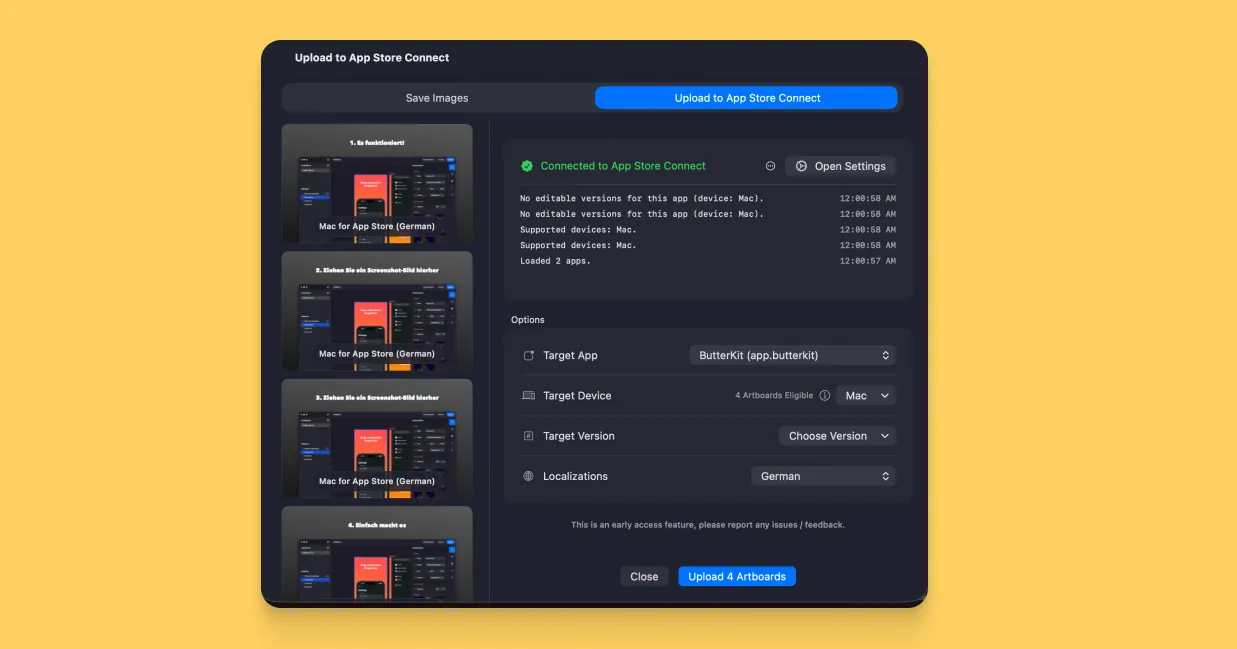
Direct App Store Connect uploads via the ASC API. Upload all of your screenshots directly from ButterKit to App Store Connect.
See how your design and layouts will look on the App Store before you export with the new App Store Preview feature.

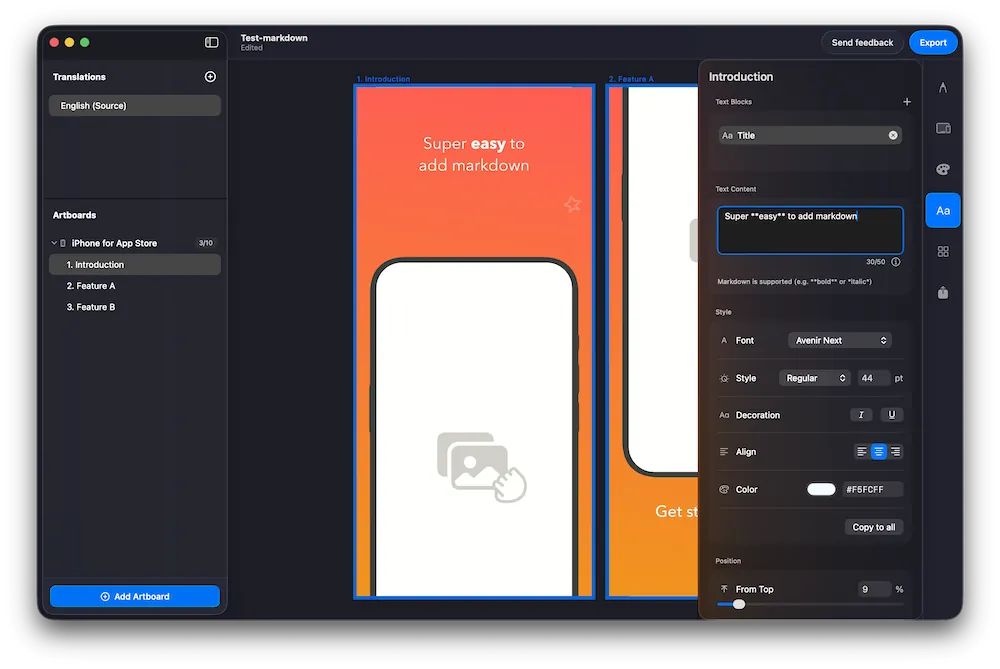
Use markdown when editing text to emphasize certain words. Bold and italic renders instantly onto your artboards.

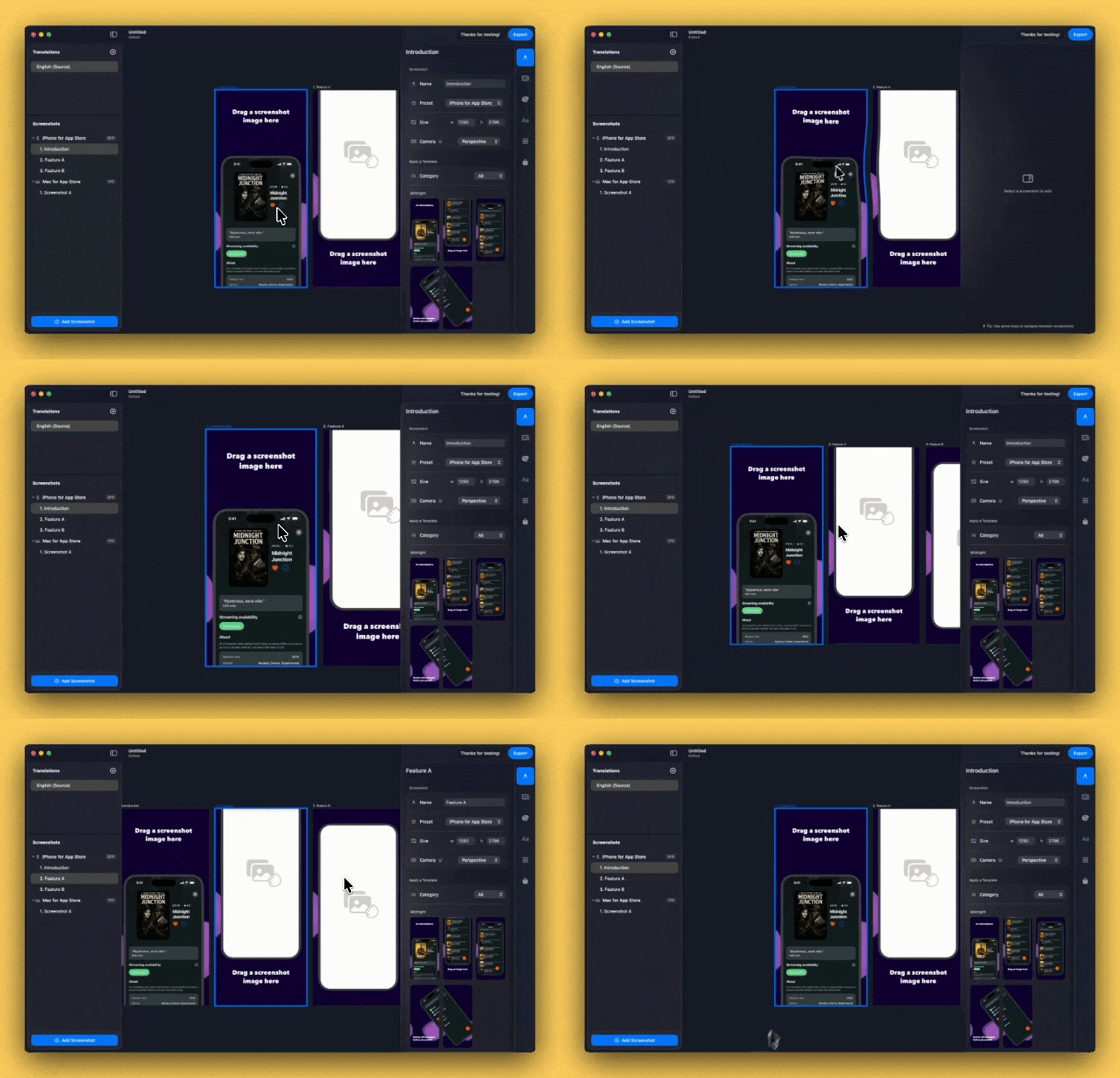
Smoother, more precise panning on the canvas and new ⌘+ and ⌘- keyboard shortcuts to quickly zoom in and out.

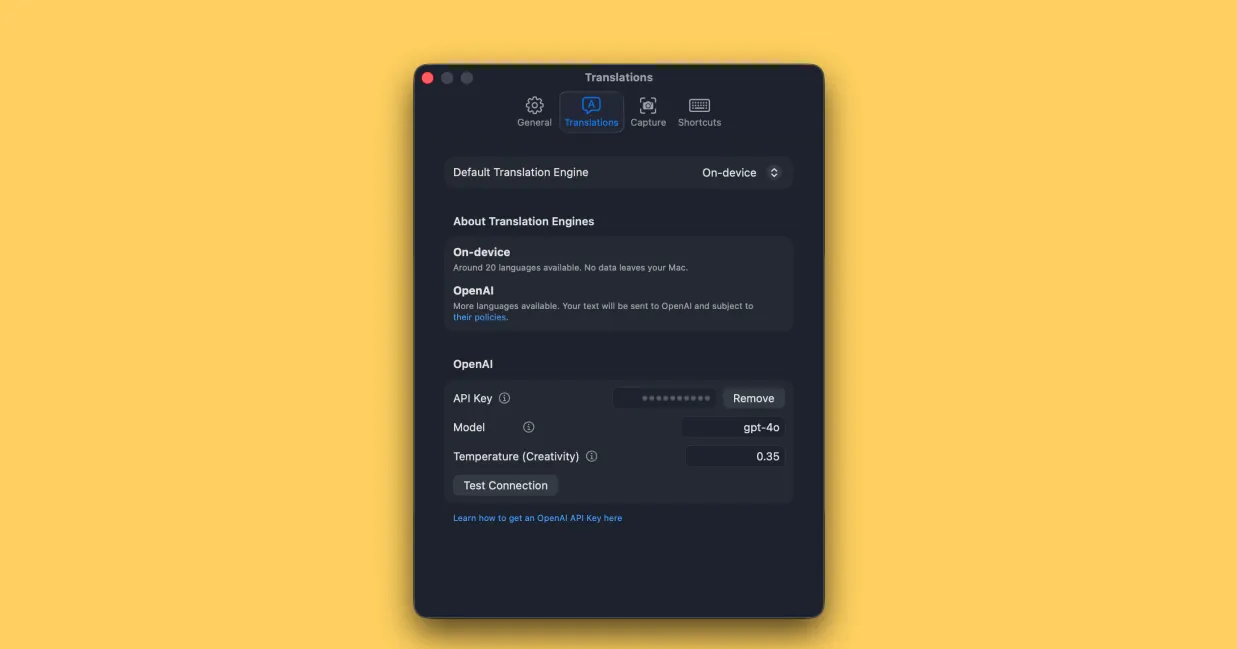
Connect your own OpenAI API key for translations. Plus reduced panning speed and improved translation language selection UI.